


INTELLIGENT VEHICLE CAMERA 5 Channel Car DVR UHD 1080P 5-Lens Inside Vehicle Dash Cam 360° All Sides Car Camera Wifi Video Driving Registrator GPS Dash Cam
-
Estimated Delivery:Jul 30 - Aug 03
-
Shipping costs are additional and your responsibility

INTELLIGENT VEHICLE CAMERA 5 Channel Car DVR UHD 1080P 5-Lens Inside Vehicle Dash Cam 360° All Sides Car Camera Wifi Video Driving Registrator GPS Dash Cam
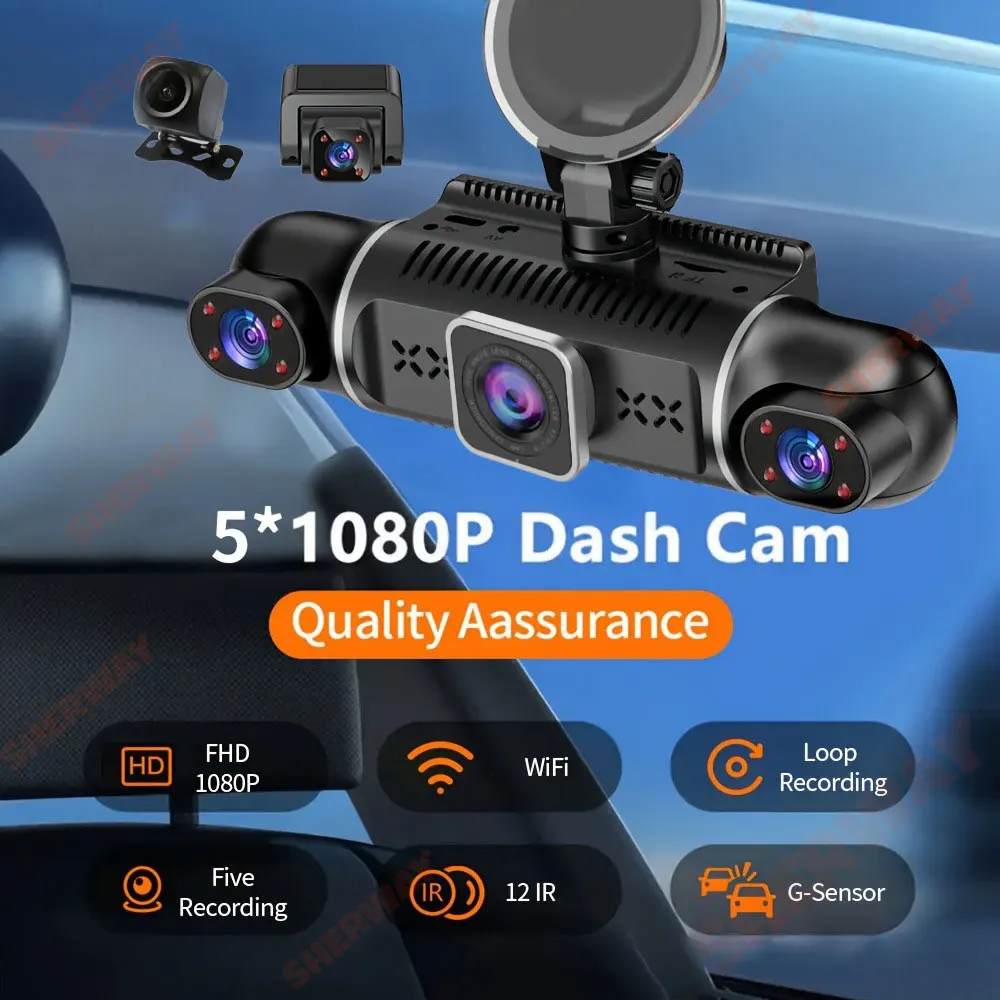
5 Channels WIFI APP Dash Cam for Cars
5-lens recorder can manually rotate left and right lenses 360 ° DVR with WIFI function can be connected to APP using mobile phone ,This product records five images simultaneously
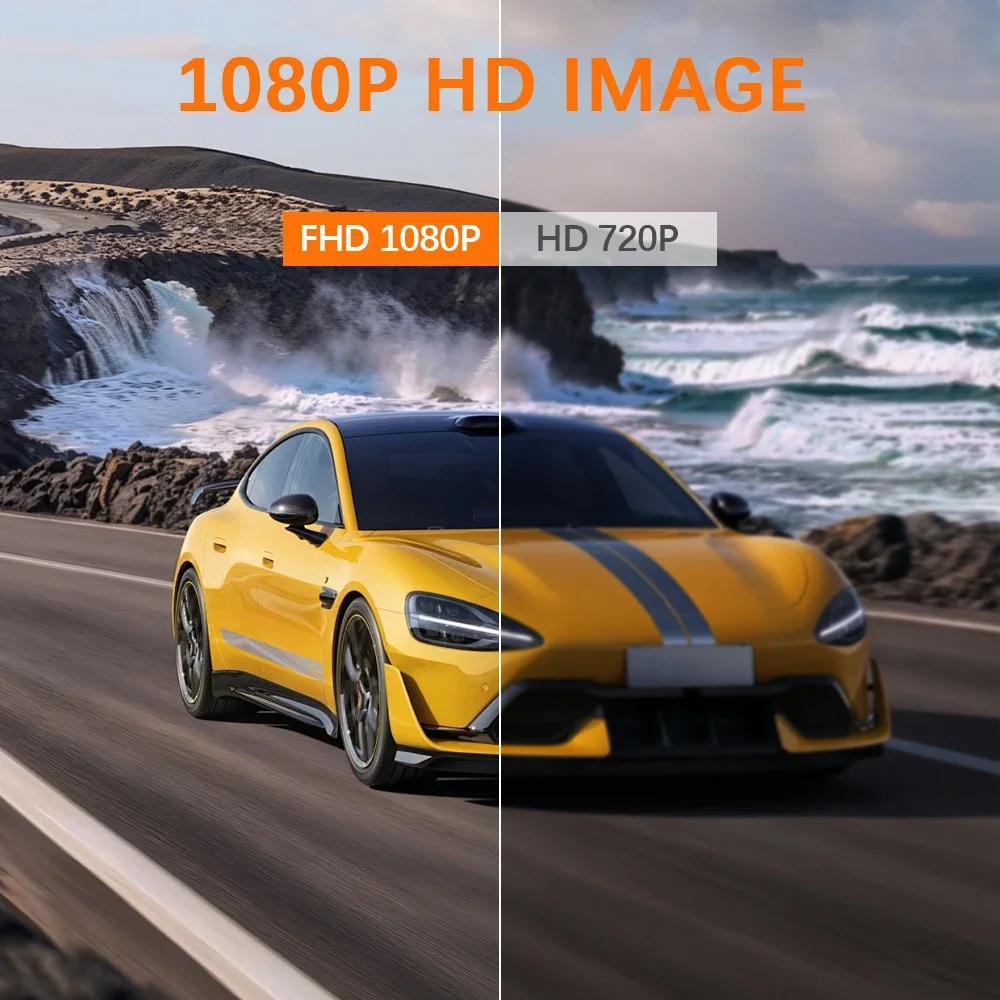
5 Channels 1080P Dash cam
Front & right & left & inside & rear Camera :5*1080P
The machine comes with 3 lenses and 2 external cameras (the installation position of the external lens can be freely adjusted with a 5m cable)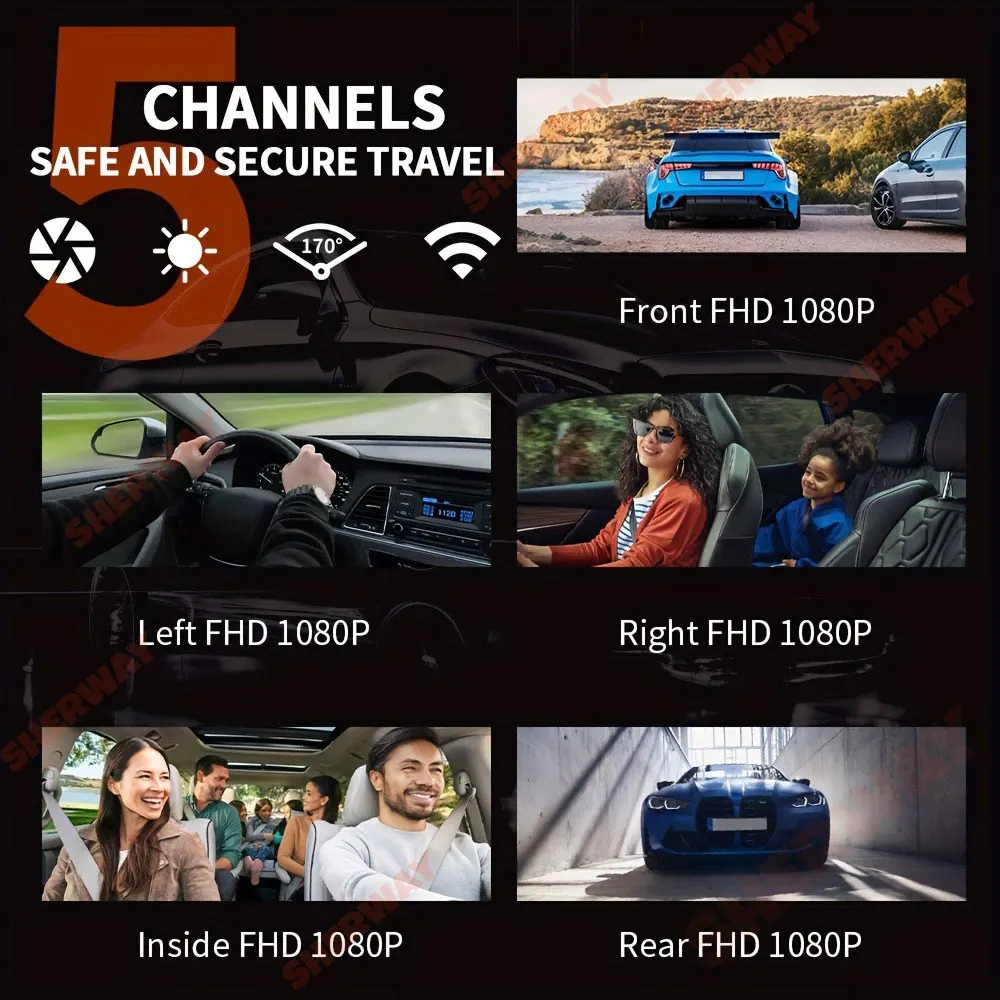
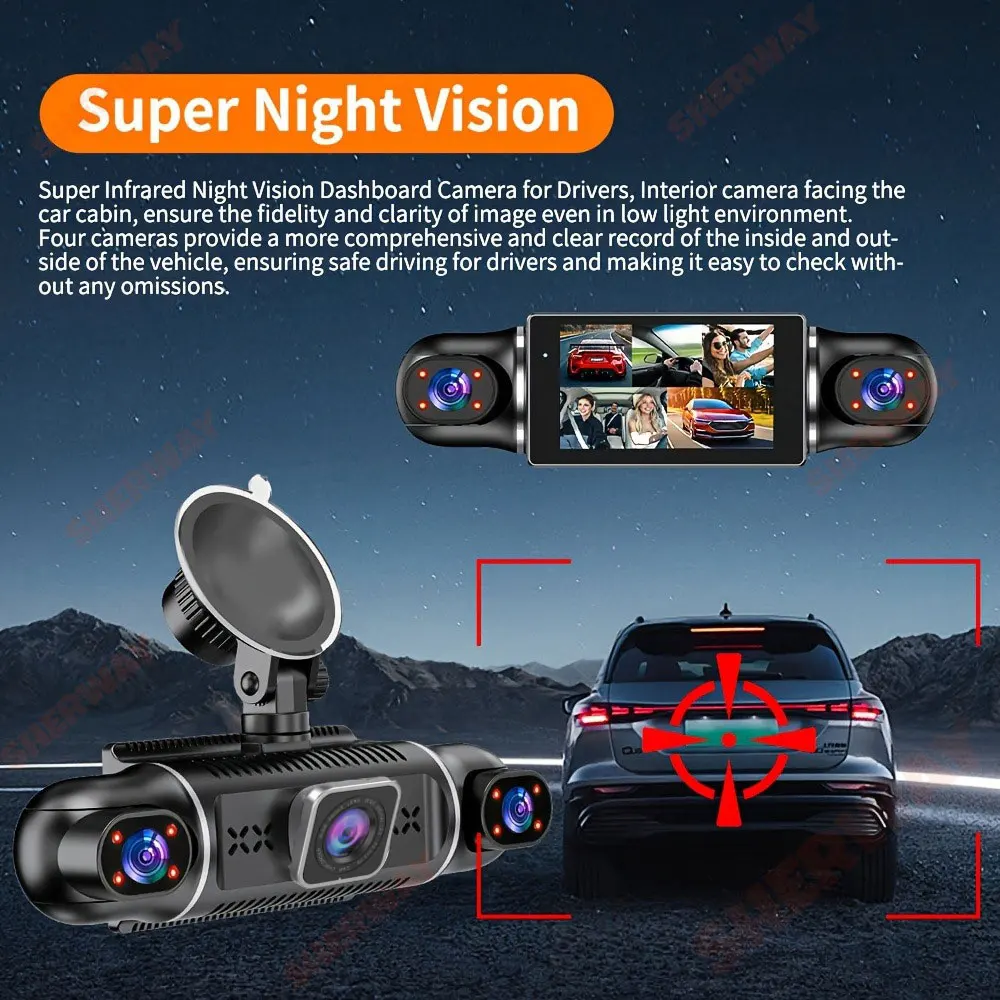
Starlight Night Vision
With the help of F2.0 wide aperture and the decent low-lightperformance of the lens, the car camera is able to capturedetails like license plates at night.
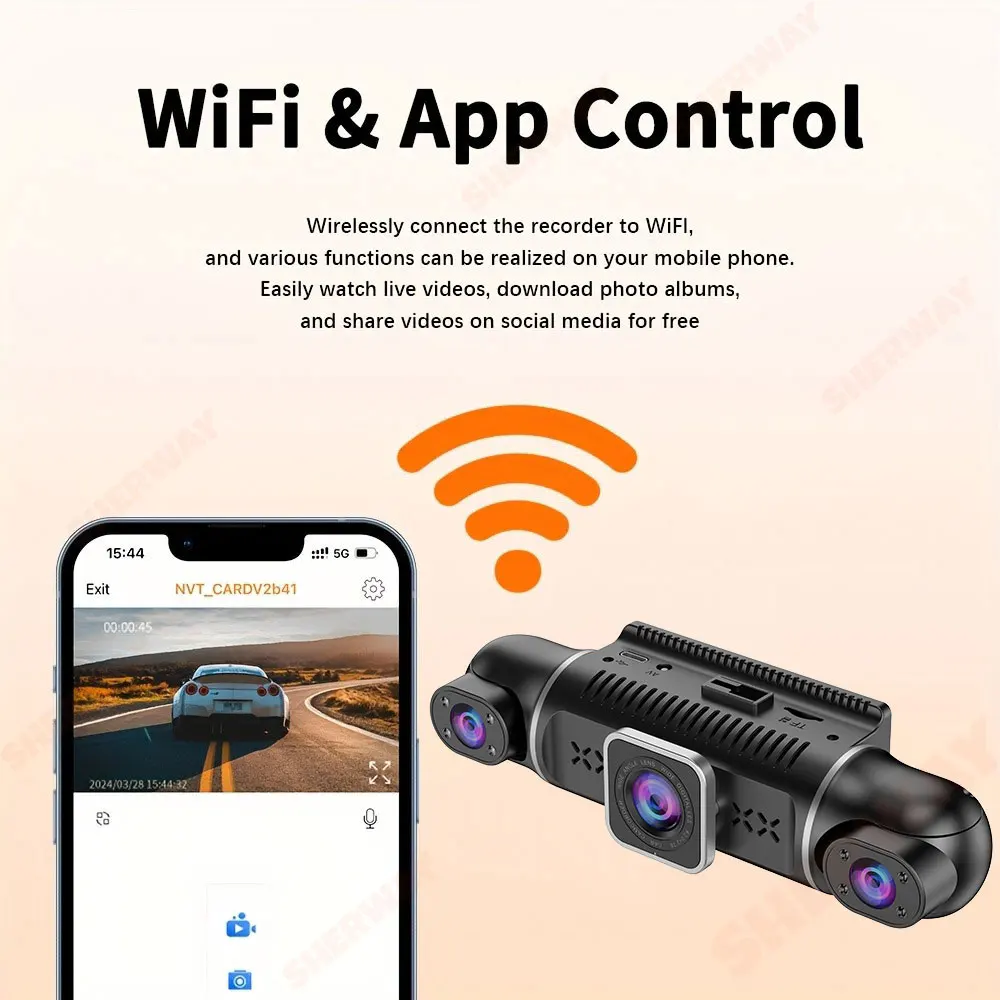
Cell phone connection steps: (be sure to download APP)
1.Open the WIFI set by the recorder, see the WIFI name and password appear on the screen, and connect your cell phone to the WIFI signal on the screen.
2.Open the downloaded APP after connecting WIFI (scan the QR code of the manual to download the recorder APP).
3.Click “Connect Recorder” in APP.
4. The recorder screen is displayed in the APP, indicating that the connection is complete.

Built-in G-sensor
When your car is subjected to an impact or other emergency,the G sensor is triggered, so that the recorder immediately records and locks the video.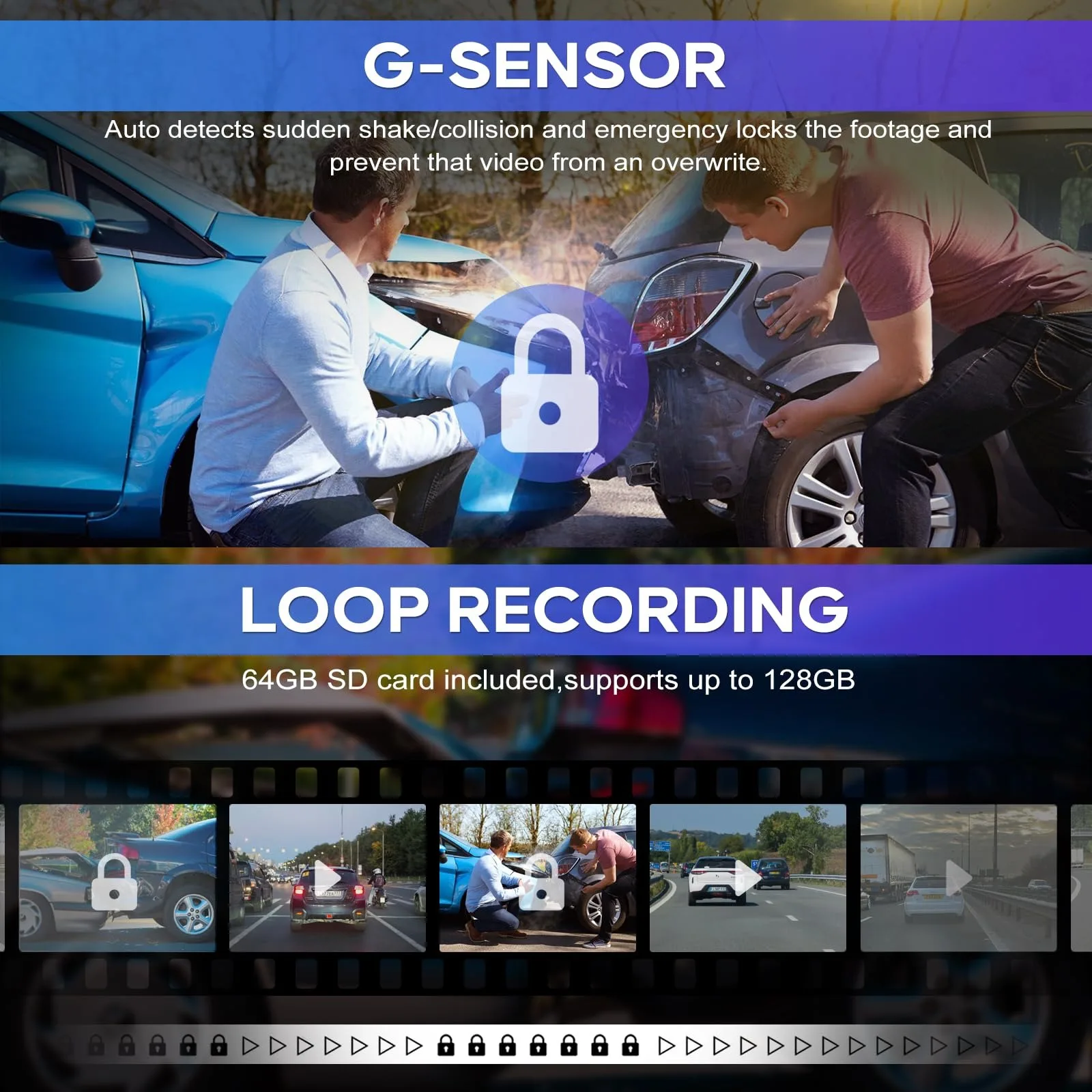
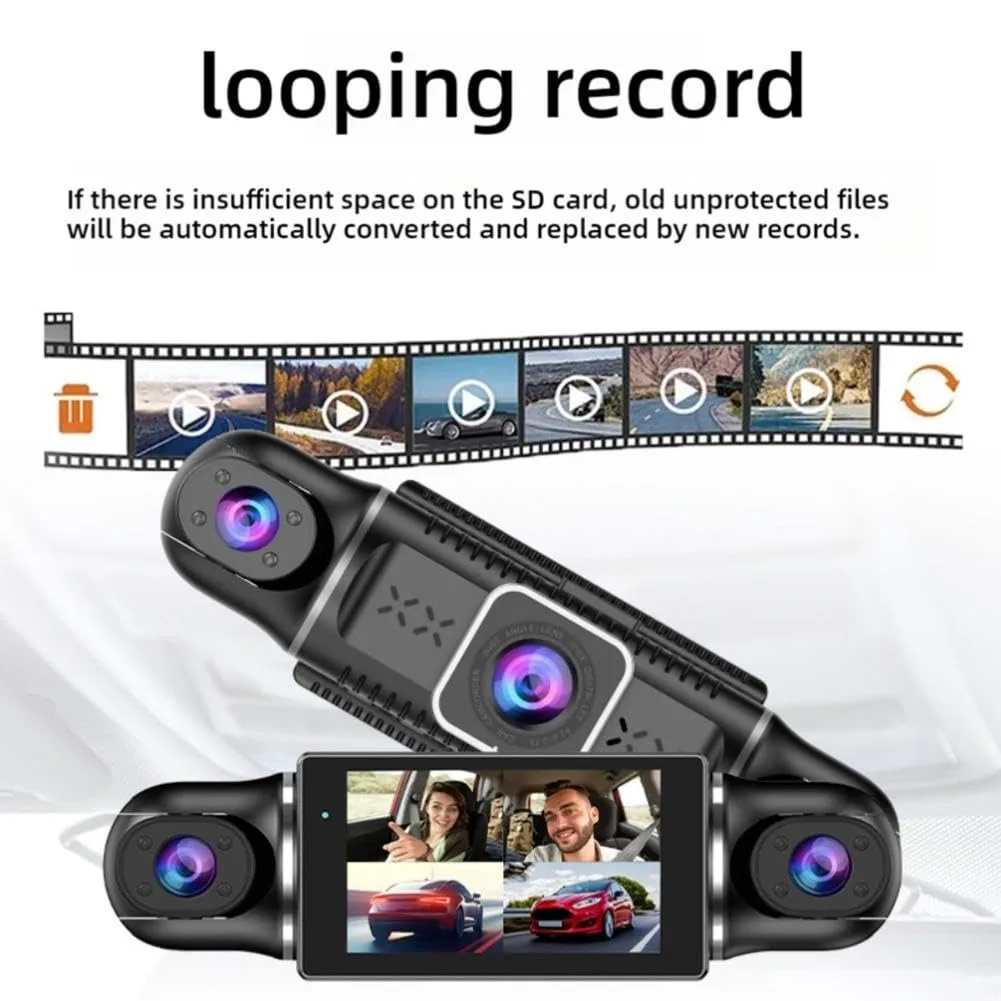
Loop Recording
Every detail would be automatically record and not miss one second, unlocked data would be overwritten automatically when TF card is run out of storage.
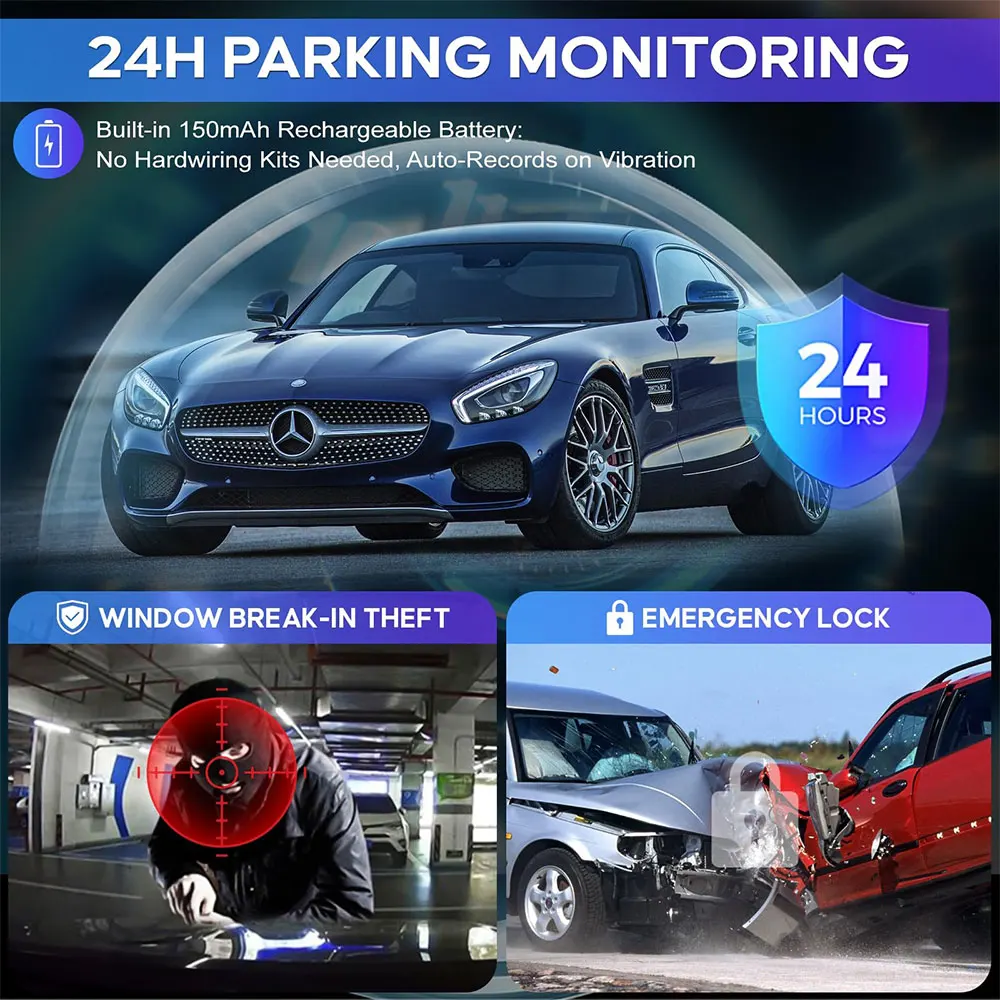
24-Hour Parking Monitoring
Friendly reminder: parking monitoring needs to be configured with a special buck cable for use, otherwise 24-hour monitoring is not possible
Installation Diagram
1.Secure the recorder to the windshield of the vehicle , recommended near the rearview mirror area
2.Hide the power cord in the window gap along the red line in the figure above
3.Insert the car charge wire into the cigarette lighter, connect the power supply, and complete the installation
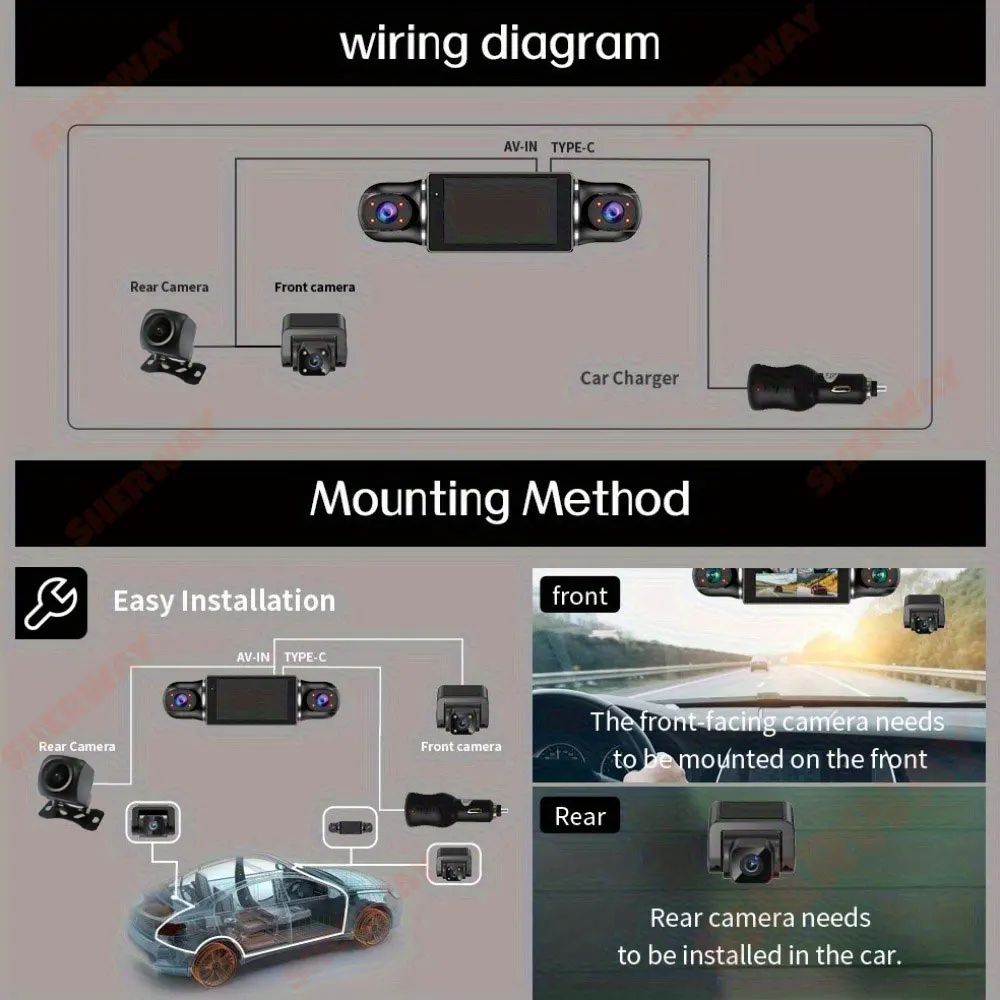
Please note: the test power to use the car charger in the package, please do not use a cell phone charger or rechargeable treasure, when replacing the adapter, please match the car charging voltages in the package, mismatched voltages may lead to failure to work properly.
To protect your privacy, the TF card needs to be formatted for the first time. There are two solutions:
1. Insert the TF card correctly into the dash cam, open the camera settings, find the storage card format, confirm that the formatting is complete, and then restart the camera to use.
2.Connect to the mobile application, search for settings in the mobile application, format the memory card, confirm formatting is complete, and then restart the camera to use it. Sincere wishes to you and your family.
Memory card is a consumable, need regular maintenance, please format 1~3 times a month, please do not pull out when the recorder is on, it may damage the chip, there will be file errors, please replace the memory card when this happens.

Shipping cost is based on weight. Just add products to your cart and use the Shipping Calculator to see the shipping price.
We want you to be 100% satisfied with your purchase. Items can be returned or exchanged within 30 days of delivery.